Unleash Your Creativity with KONJUR3D:
Embark on a journey of creativity with Konjur3D – the pay-once 3D modelling app that won't break the bank! Priced at just $15, this dynamic application empowers you to craft hard surface and clay Modelled components, elevating your 3D model assembly to new heights. Dive into the immersive experience, currently available exclusively on Apple iPad and iPhone. Although we recommend the iPad for optimal use, the iPhone edition packs a punch with full features, albeit with slight limitations on contact accuracy.
3D MODELLING MADE SIMPLE
Bid farewell to the limitations and complexities of low-cost modelling software! Konjur3D stands out with its intuitive design, clear explanations, and a user-friendly interface that sidesteps technical jargon. Our internal help documents and tutorial videos guide you through workflows, ensuring a smooth and enjoyable creative process. Let us be your companions on this exciting journey, offering prompts and clear guidance every step of the way.
ELEVATE PRECISION WITH APPLE PENCIL
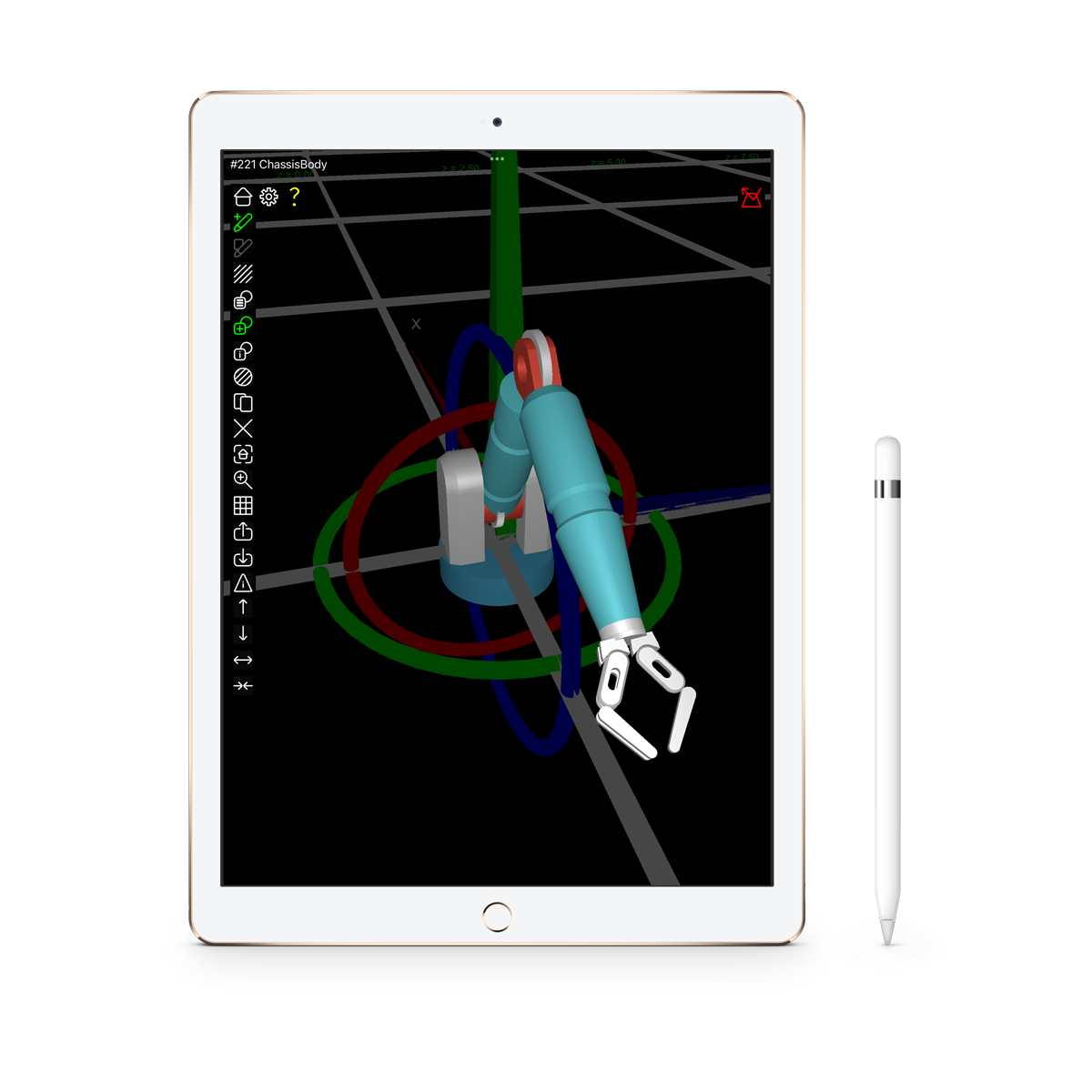
For the precision aficionados, we recommend pairing Konjur3D with the Apple Pencil. While not strictly required, this powerful duo significantly enhances your modelling experience, allowing you to unleash your creativity with unparalleled accuracy.
Shape Workflows: Where Imagination Takes Form
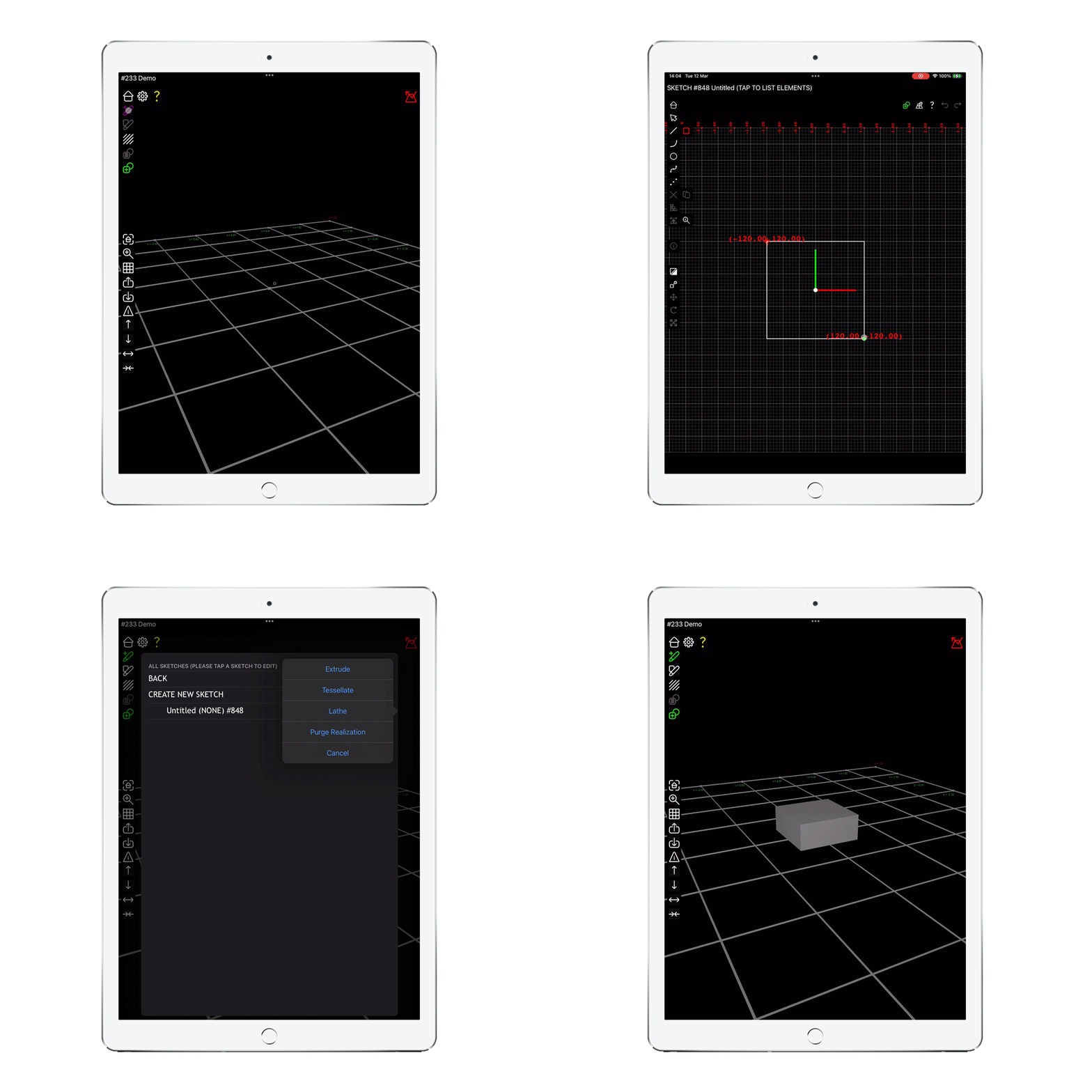
Dive into the heart of creativity with Konjur3D's versatile shape workflows. Whether you're sculpting hard surfaces or crafting organic shapes, our app caters to every artistic whim. Leverage the sketch and realise mechanism for precise hard surface models or indulge in the freedom of clay shaping for more spontaneous sculpts. The possibilities are endless as you seamlessly transition between the two, creating a harmonious blend of structure and form.
Unleash your creativity with the comprehensive sketching tool embedded within Konjur3D. Manipulate shapes effortlessly, with changes in the sketch reflecting dynamically in your realisations. Harness the power of a hierarchical structure, coordinates, and constraints to bring your final masterpiece to life.
TEXTURE Workflows: Adding Depth and Dimension
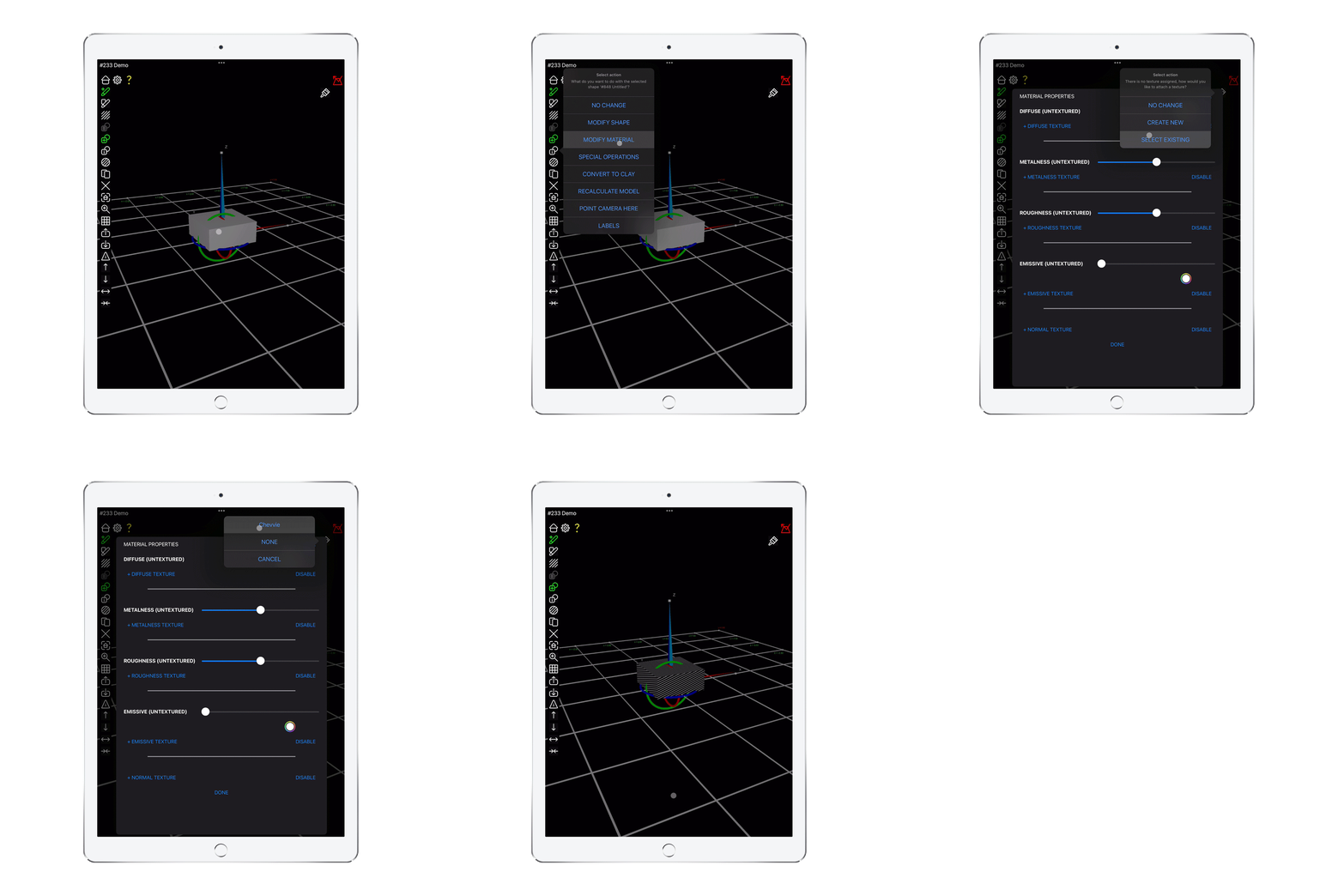
Transform your shapes into vibrant works of art with Konjur3D's texture workflows. The internal painting tool operates seamlessly in both 3D and 2D, saving you valuable time by eliminating the need to switch between apps. From color to reflective properties and lighting effects, your artistic vision comes to life effortlessly.
For advanced users, our UV coordinate editor lets you fine-tune texel concentration over your model. Dive into the intricate details, shaping every aspect of your creation with precision.
EXPORT & IMPORT:
SEAMLESS COLLABORATION
Seamlessly collaborate with other tools by importing and exporting GLTF and STL files. Konjur3D supports these industry-standard formats, ensuring compatibility and convenience in your creative endeavors. For more information on the GLTF format, visit Khrono's website: Khrono GLTF